
Meta data describes different kinds of information about a file’s properties.
Usually, all files have some kind of meta data, such as the document’s author or photographer’s name.
Some examples of what this meta data could be:
- created date
- location and coordinates
- tags/keywords
- size
- author
- name of the photographer
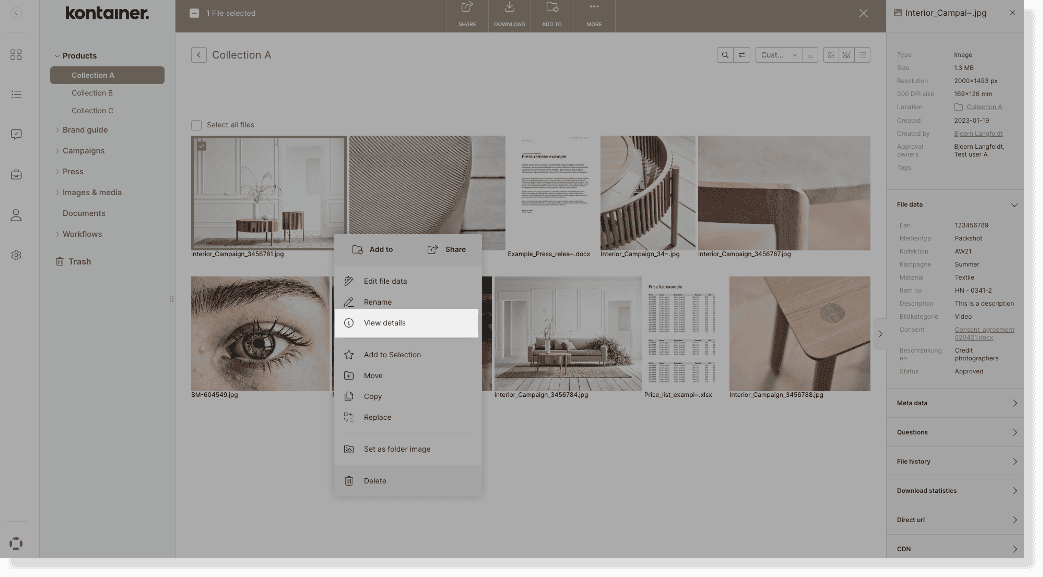
You can access and view all this meta data by right-clicking on a file and selecting View Details.
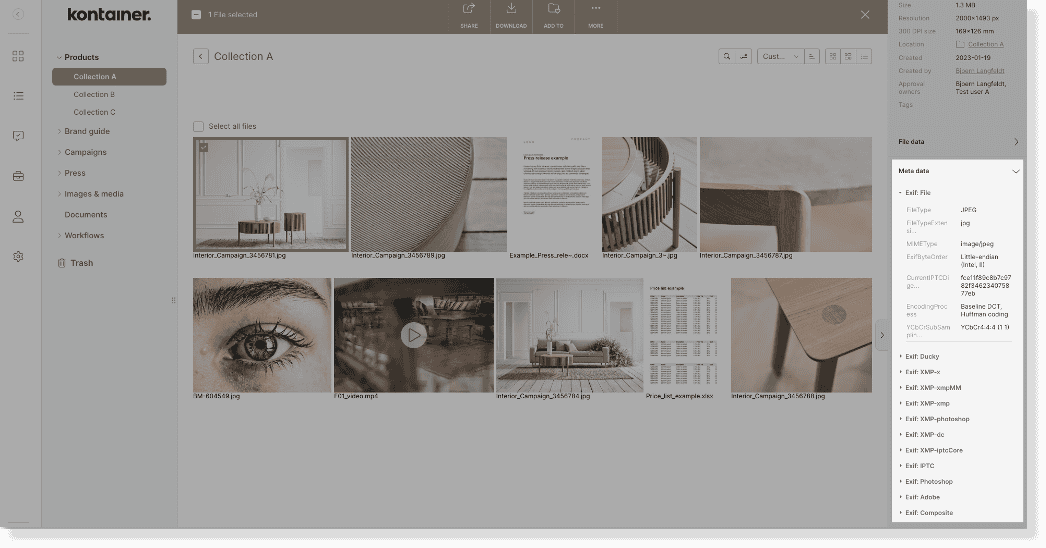
In the menu on the right-hand side, you can access the file’s meta data.
Migrating Meta Data to Kontainer
When migrating your assets into Kontainer, all meta data will be transferred. Meta data does not get lost when uploading files to your Kontainer.
This also means existing tags/keywords from other systems can be migrated into Kontainer.
Use Meta Data in Custom Fields
Pro+ feature
Custom Fields are used to sort, filter and find files much more conveniently.
We can create automation flows for your Kontainer that fetch information from specific meta data and place this information into a custom field. For example, if you want the photographer’s name or the location to be a search/filter criterion.
In that way, your files’ meta data can enrich your files further.
Read more about Custom Fields here.
