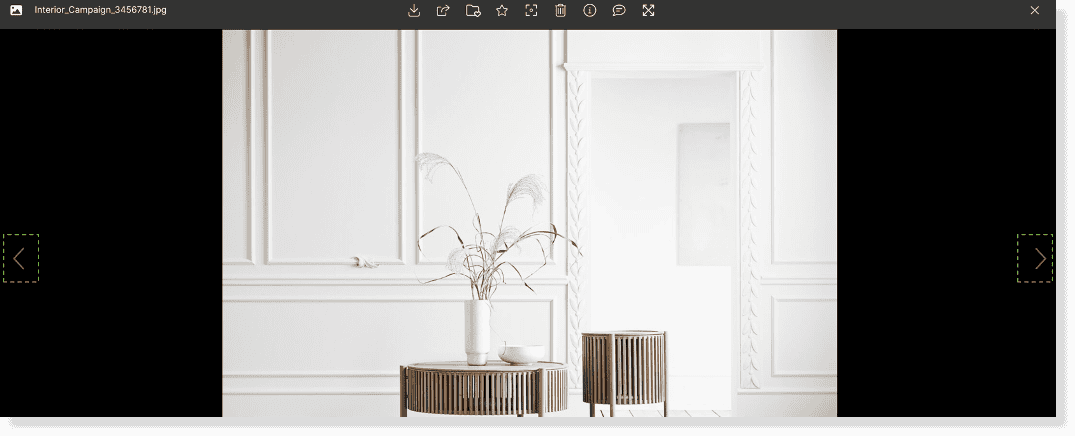
Use your Kontainer preview as a gallery and view your files in a bigger format by clicking on a file’s thumbnail. In that way, you can preview it and click through your files one by one.
You can do this for most of your files, as Kontainer supports previewing of +100 file types. Images, videos, PowerPoints, PDFs, 3D-drawings – you name it.
This is very helpful when sharing e.g. videos directly via Kontainer. The recipient does not have to download the large files and view/play them locally. They can just view them directly via a share link.
Enter gallery mode, simply by clicking on a file.
Navigate through the assets in a folder simply using the left and right arrows.