
Get insight into when and by whom files in your Kontainer have been downloaded.
For instance, you can check the activities of users and the performance of certain elements. Or, if you have uploaded an updated file version, you can see who has downloaded the previous version and possibly notify them.
As an Admin user, you can see and download statistics about all the files in your Kontainer – for all the individual users.
Let’s have a look at different ways in which you can retrieve download statistics.
In the Access menu
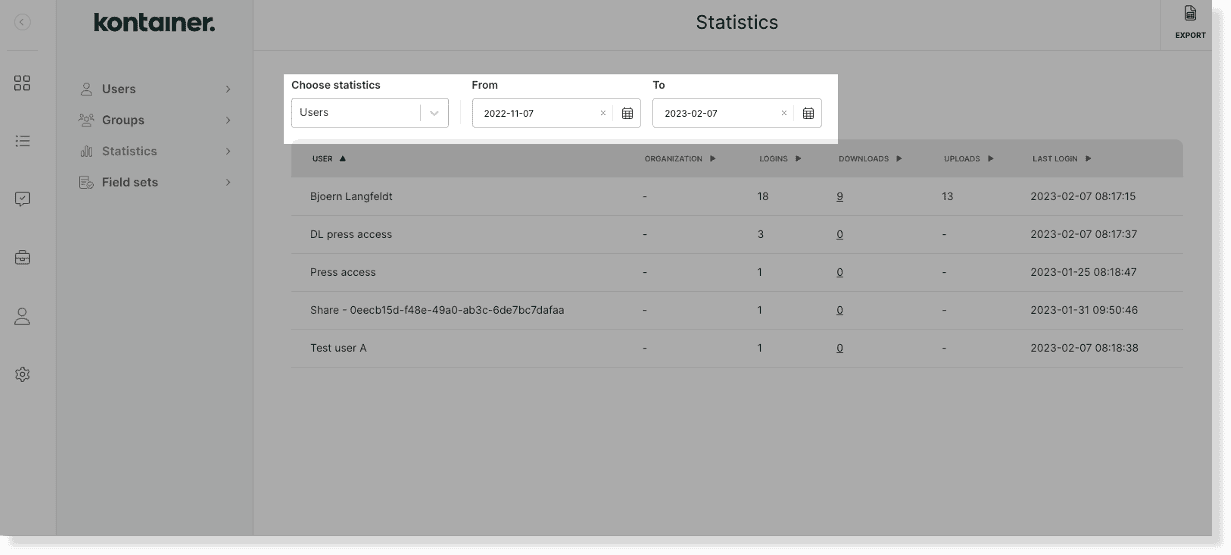
Go to Access > Statistics.
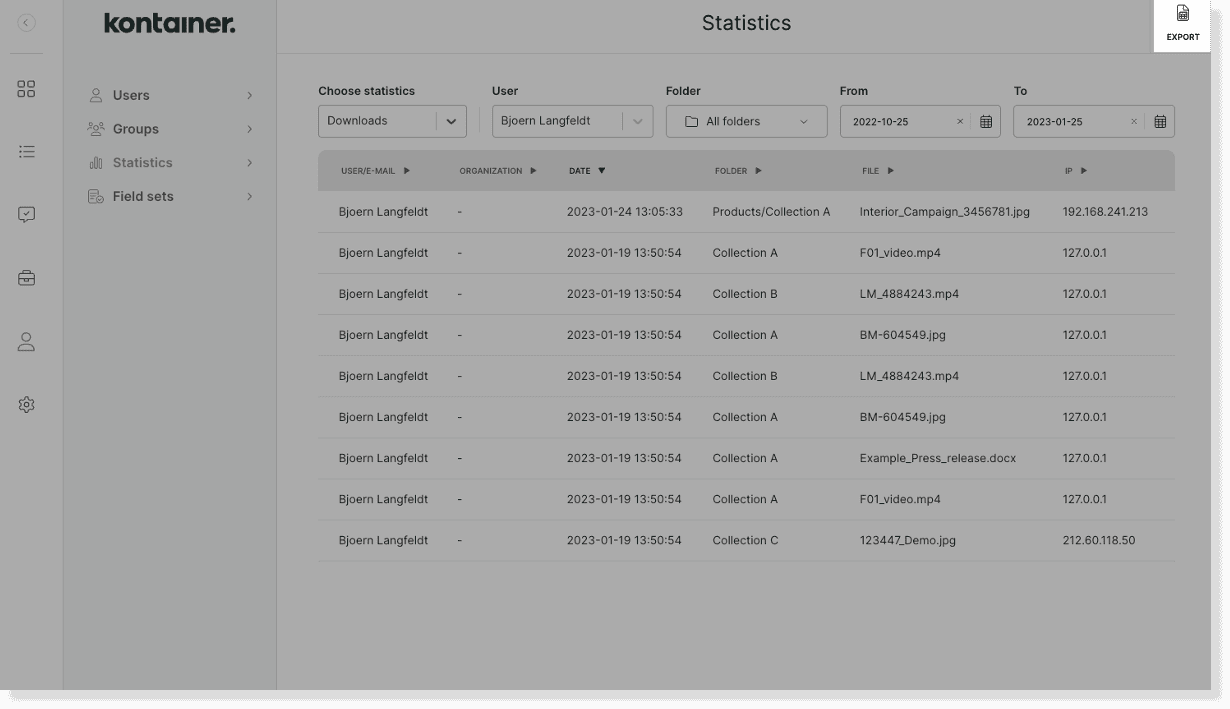
Here, you can filter download statistics on:
- a specific user
- a folder
- a time range

You will also be able to look at each user individually. Under Choose statistics select Users instead of Downloads.
You can then easily export the selected statistics as an Excel sheet in the top right corner.
In the file information
For quick access to the download statistics of a specific file, right-click on the file at hand and go to View details.
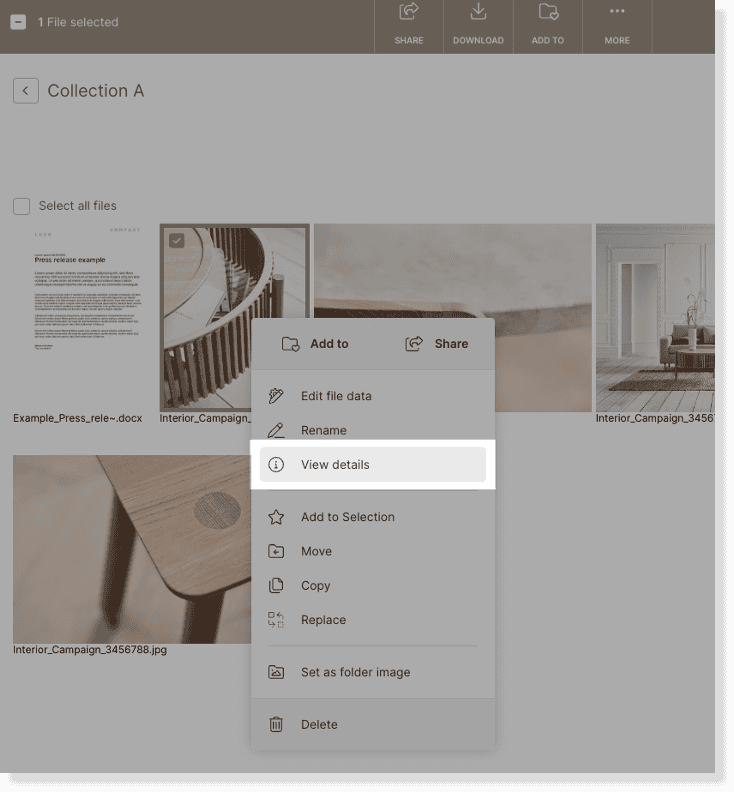
In the file details on the right-hand side, you will see:
- the file history – indicating when the file was uploaded/updated
- the file’s download statistics – showing when and by whom the file was downloaded

______
That’s it, really.
Get in touch if you have any unanswered questions.
